

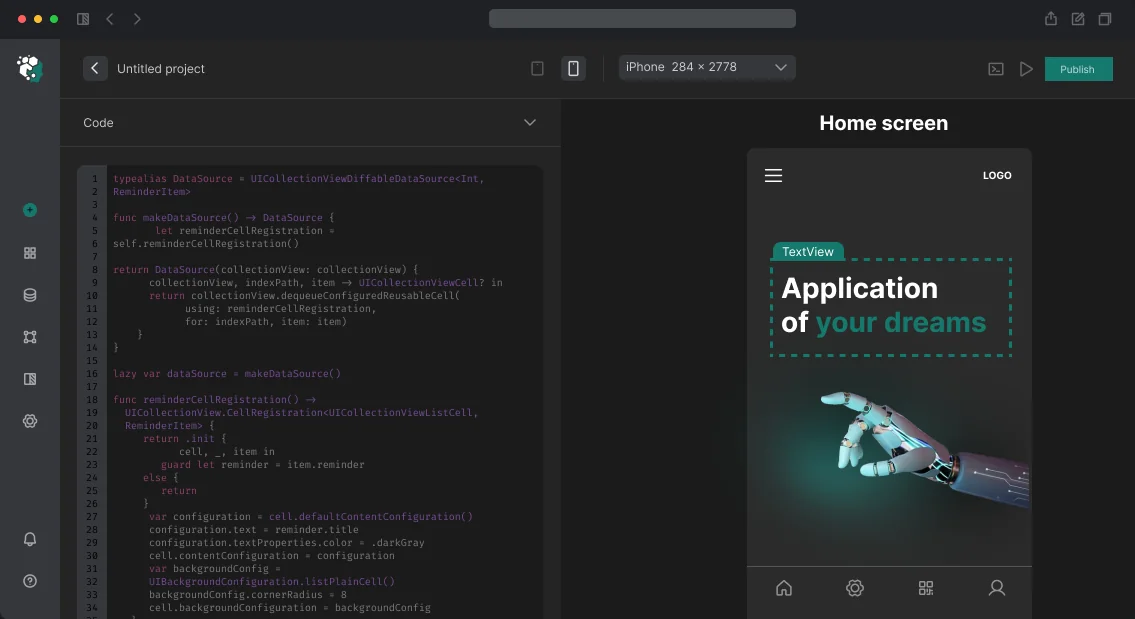
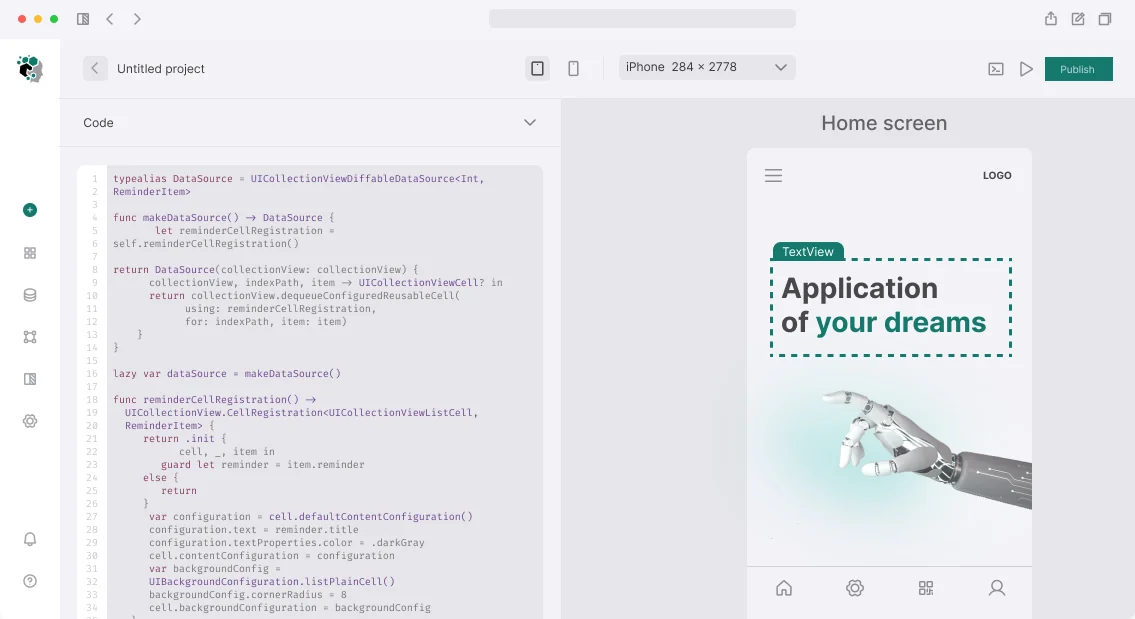
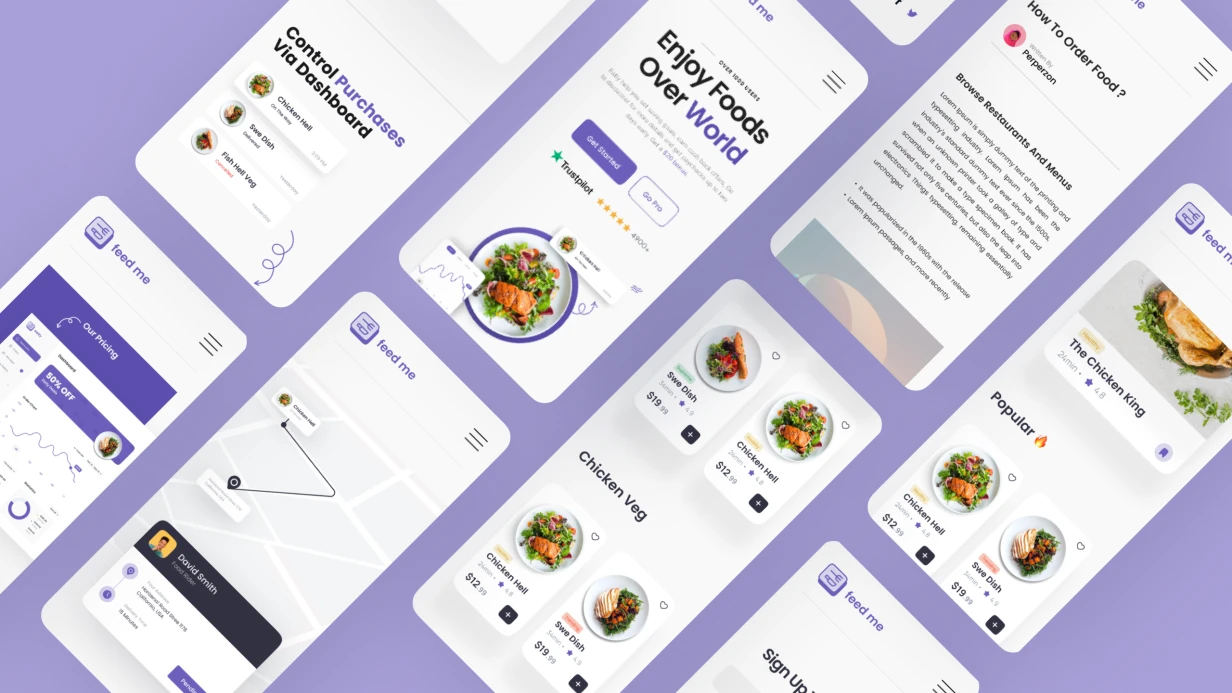
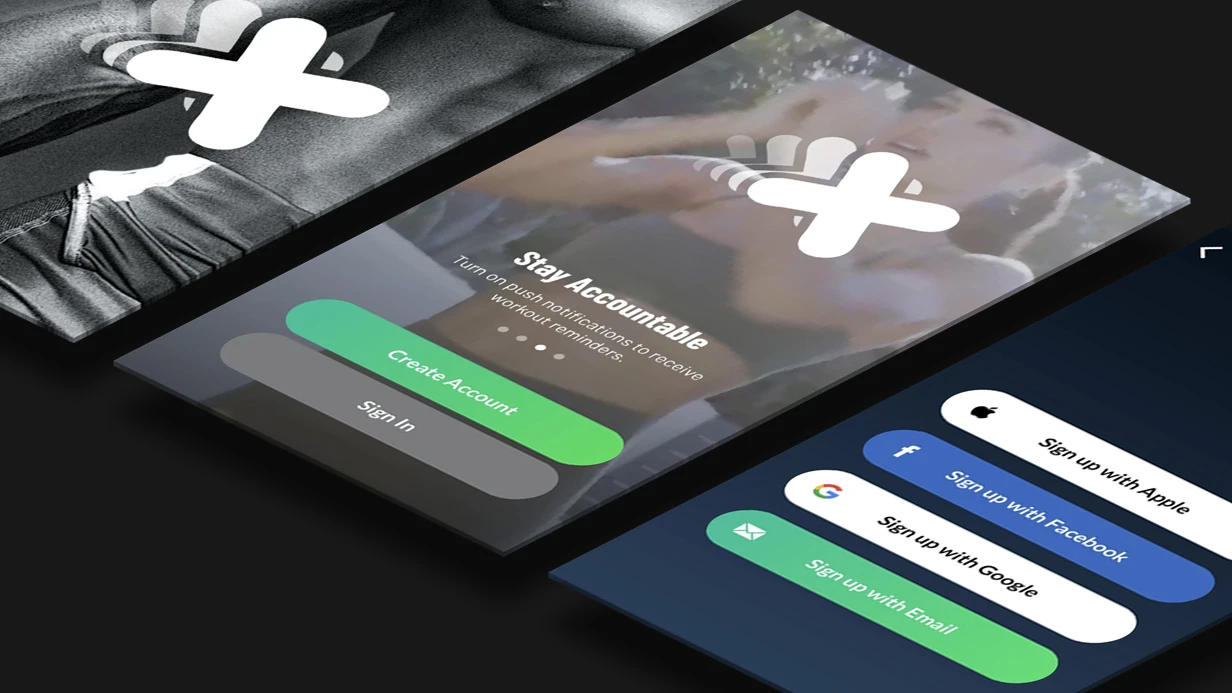
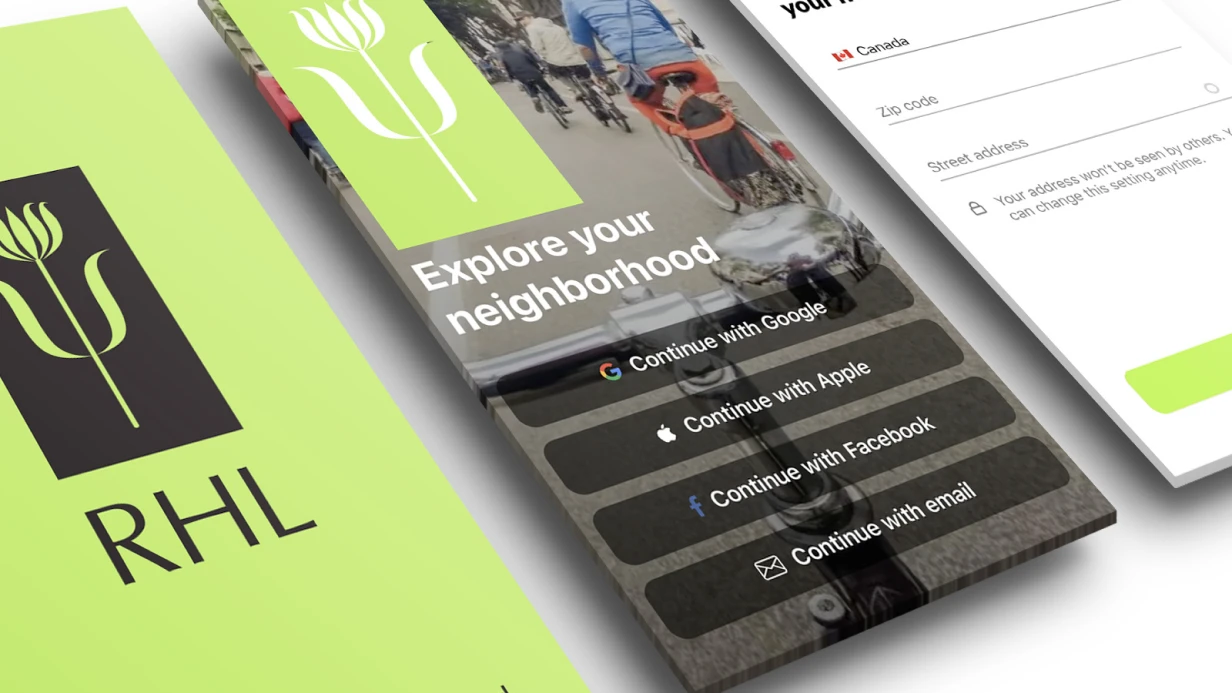
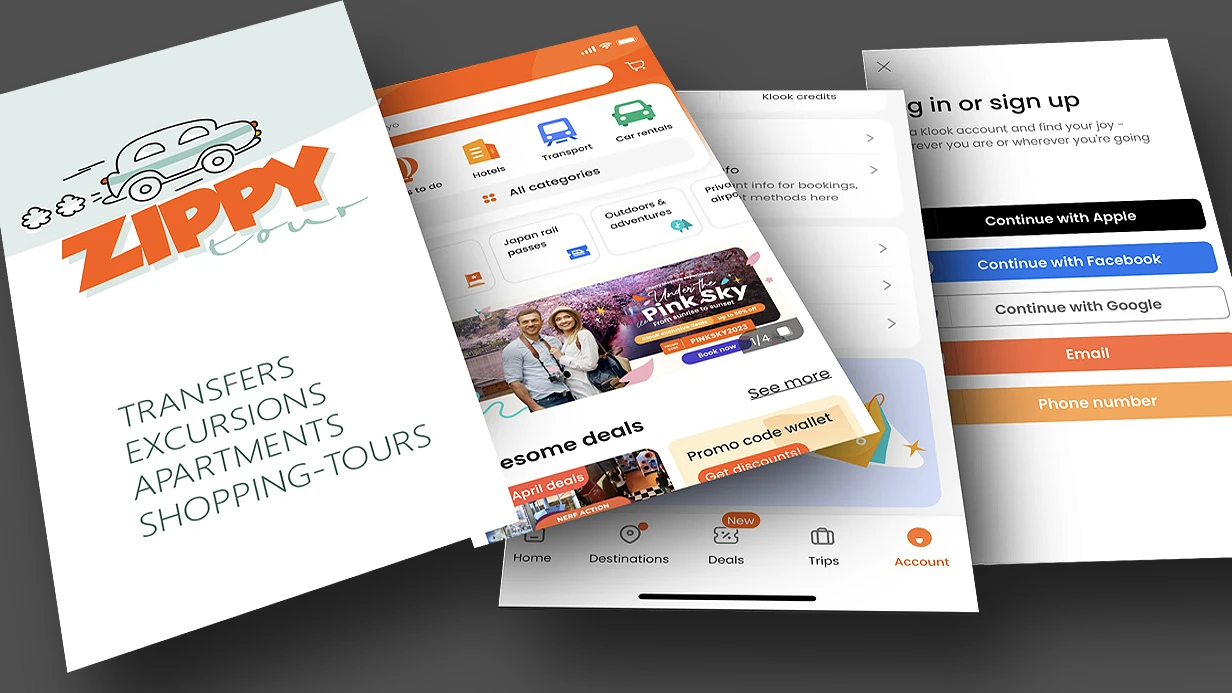
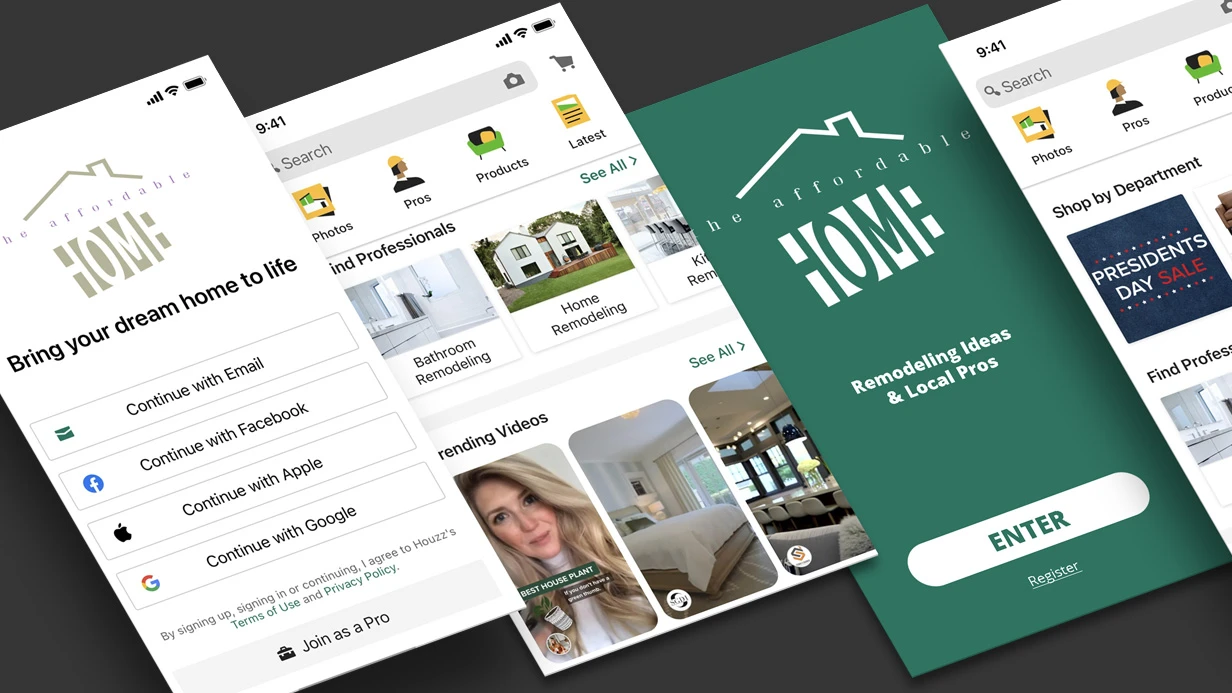
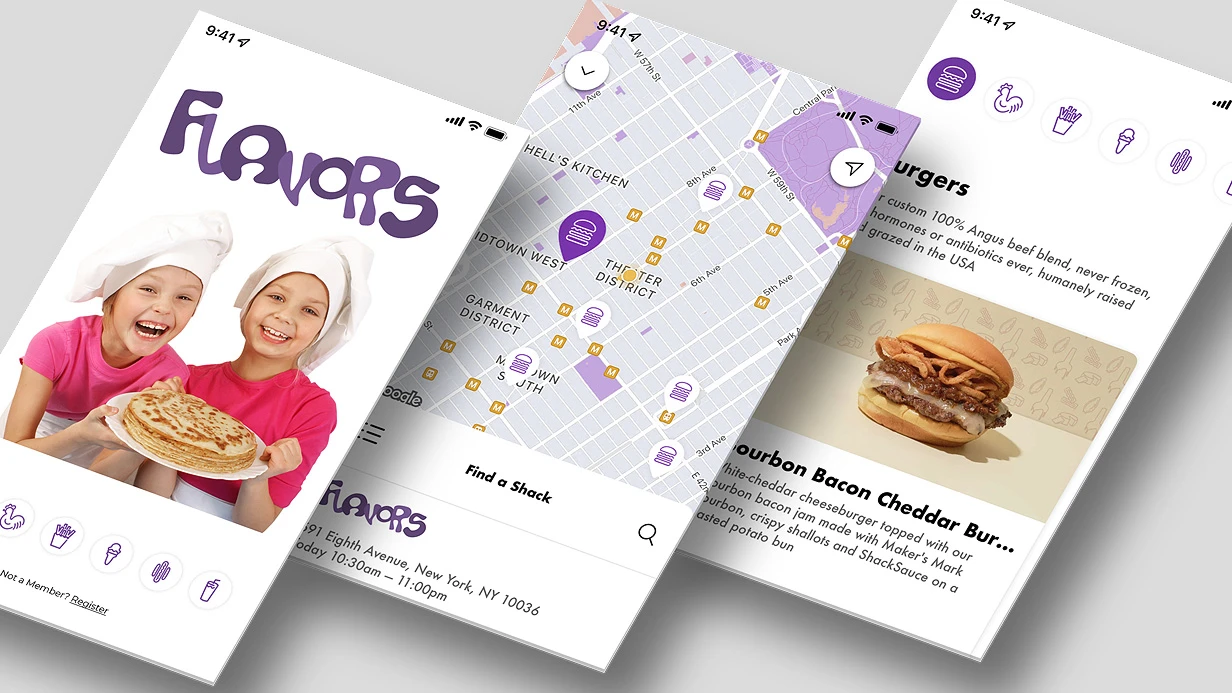
למה האפליקציה מאבדת התקנות בשלב הליסטינג
המשתמש ממעט לקרוא את התיאור — הוא מדפדף בגלריה. שניים-שלושה פריימים ראשונים קובעים אם יישאר בכרטיס או יעבור למתחרה, וכאן בדיוק נאבדת לרוב ההכנה של צילומי מסך ל-App Store: הצוות מעלה את מה שהספיק לאסוף עד לשחרור, במקום לעצב חלון ראווה סביב ההחלטה של המשתמש.
כתוצאה מכך אפליקציה עם מוצר עובד בפנים מפסידה לשכנה בתוצאות החיפוש רק משום שהעיצוב של כרטיס האפליקציה שלה אינו עונה על השאלה הראשונה — "מה אני מקבל תמורת ההתקנה".
פריימים מטושטשים, שצולמו מהאמולטור ברזולוציה אקראית, נקראים כרשלנות של המוצר. המסך הראשון עם הלוגו והמסך הפתיחה מבזבז את הפריים היקר ביותר על מה שהמשתמש ממילא רואה באייקון. היעדר לוקליזציה של הרמזים מותיר משתמש זר בלי מילה אחת מובנת.
כל אחד מהכשלים האלה בנפרד מוריד את ההמרה של עמוד האפליקציה, וביחד הם מצטברים לנטישה מתמשכת בשלב שבו כבר איננו יכולים לתקן דבר בקוד.
הוויזואל לחנות האפליקציות הוא שכבה נפרדת של עבודה, ולא תוצר לוואי של השחרור. הפריימים נבנים סביב תרחיש מסוים: הראשון מציג את התוצאה, השני מסיר את ההתנגדות המרכזית, השלישי סוגר את הספק לגבי המורכבות.
הכיתובים מנוסחים בקצרה ולעניין, הסטים מוכנים לכל שפה ולכל גודל מסך, וסדר הפריימים נבדק על משתמשים אמיתיים לפני הפרסום, ולא אחריו.
בהמשך נפרק איך זה נסגר: אילו סוגי פריימים עובדים על ההתקנה, איך לבנות את הרצף שלהם ומה לבדוק לפני השליחה לחנות.
מה נותנת ויטרינה מעובדת: האפקט במספרים
מה באמת משתנה במספרים
הכנת צילומי מסך ל-App Store מפסיקה להיות "עיצוב" ברגע שהוויטרינה הופכת למשתנה נשלט. המסך הראשון של הגלריה נראה בחיפוש לפני כפתור ההתקנה — והוא זה שקובע אם המשתמש יגיע להורדה.
בפרויקטים שבהם העברנו את הוויטרינה לבסיס מערכתי, ההמרה להתקנה מהכרטיס עלתה פי 1.3–1.8 לעומת הפריסות המקוריות, ושיעור ההסרות בימים הראשונים ירד: המשתמש קיבל על המסכים את מה שהכרטיס הבטיח, ולא התאכזב לאחר ההפעלה.
פורמטים של הצגה: מה ומתי לבחור
| אפשרות | מתי מתאימה | מגבלות |
|---|---|---|
| צילומי מסך סטטיים עם כתוביות | התחלה מהירה, ליבת פונקציות יציבה | לא מציגים דינמיקה של הממשק |
| מיני-סיפור מ-3–5 פריימים | תרחיש מורכב, כמה תפקידים | דורש שפה חזותית אחידה |
| תצוגה מקדימה בווידאו | מוצר עם אנימציה או צליל | יקר יותר בייצור, נדרש תרחיש נפרד |
| גרסאות מקומיות לשוק | כמה שפות ואזורים | גדל היקף הפריסות וזמן התיאום |
לוקליזציה ובדיקות
לוקליזציה של צילומי מסך היא לא תרגום כתוביות, אלא הרכבה מחדש של פריימים בהתאם להקשר התרבותי: סדר הבלוקים, מחוות מקובלות, דוגמאות מקומיות. אנחנו מנהלים מטריצת "שפה × פורמט", כדי שביציאה לשוק חדש לא נצטרך לצייר את הגלריה מחדש מאפס.
דרישות חנות האפליקציות למידות, לאזורים בטוחים ולאלמנטים אסורים נבדקות לפני ההעלאה — זה מסיר את המחזור של "דחו, תיקנו, העלו מחדש" ומקצר את זמן תיאום הפריסות משבועות לימים.
A/B טסט של הוויטרינה מופעל על המסך הראשון ועל הכותרת: משנים משתנה אחד בכל פעם, מחזיקים את הטסט עד לאיסוף סטטיסטיקה, וקובעים את המנצח בגלריה הראשית. כך ההחלטות נשענות על נתונים, ולא על טעם.
את סכמת הבדיקות ואת סימון הפריימים אנחנו בונים לפי הפרקטיקה המתוארת ב-Apple Human Interface Guidelines.
מה זה נותן בסך הכול
ויטרינה נשלטת מורידה את עלות ההשגה: אותו טראפיק נותן יותר התקנות בלי גידול בתקציב הפרסום. ההחזרות יורדות, כי הציפיות תואמות את המוצר. ותהליך הכנה חוזר של צילומי מסך משמעו שכל ריליס הבא ושוק חדש נסגרים מהר יותר מהקודם.
איך אנחנו מכינים ערכת צילומי מסך: שלבי העבודה
הכנת צילומי מסך ל-App Store היא לא "לצייר תמונות יפות", אלא תהליך משוחזר עם בדיקה על מכשירים אמיתיים. אנחנו מתחילים בסקירה של הכרטיס הנוכחי: בודקים אילו פריימים מוצגים בחיפוש ובעמוד המוצר, איך הם נחתכים בהתאם לאלכסונים שונים, ואיפה המשמעות של המסך הראשון הולכת לאיבוד. בסיום אנחנו קובעים כמה פריימים באמת נדרשים ומה המשתמש צריך להבין בשלושת הראשונים.
- סקירת כרטיס האפליקציה. מנתחים את הסט הנוכחי: סדר הפריימים, קריאות הכיתוביות בתצוגה המקדימה, התאמה למיצוב. מסמנים אילו מסכים משכפלים זה את זה ואילו תרחישים לא מוצגים כלל.
- תיאום התרחיש. קובעים את הרצף: הפריים הראשון — הערך המרכזי, לאחר מכן — מסלולי המשתמש העיקריים. מאשרים את טקסטי הכיתוביות לפני הציור, כדי לא לעצב מחדש את הפריסות.
- הרכבת הפריסות. מרכיבים את הפריימים ברשת אחידה: שוליים, טיפוגרפיה, רקע, מיקום המכשיר. מכינים את כל הגדלים הנדרשים לכיוון לאורך ולרוחב, כולל פריימים לטאבלטים.
- בדיקה על מכשירים. מריצים את הפריסות על מסכים אמיתיים באלכסונים שונים: בודקים אם הטקסט לא נחתך, אם הכיתוביות קריאות בתצוגה מקדימה מוקטנת, ואם הרקע לא מתנגש עם ממשק המערכת.
- לוקליזציה. מפרסים את הכיתוביות לפי גרסאות שפה, בודקים את אורך השורות — בשפות מסוימות הטקסט ארוך noticeably יותר וגולש מחוץ לאזור הבטוח.
- מסירת החומרים. מוסרים קבצי מקור, סטים מיוצאים לכל פלטפורמה וכללי עדכון: מה לשנות בעת שחרור פיצ'ר חדש ומה נשאר יציב.
- בקרה לאחר הפרסום. בודקים איך הסט מוצג בחיפוש ובעמוד המוצר, ובמידת הצורך מתקנים את סדר הפריימים.
בסיום הלקוח מקבל לא ערכה חד-פעמית, אלא תקנון ברור: אילו פריימים לעדכן בכל שחרור ולפי איזו תבנית. זה חוסך עבודה ידנית בהעלאות הבאות ושומר על הכרטיס מעודכן. תארו את המשימה — נחזור עם הערכה ותוכנית לאפליקציה שלכם.
במה נבדלים צילומי מסך עבור App Store ו-Google Play?
הפלטפורמות ניגשות באופן שונה למה שנכנס לחלון הראווה. App Store דורשת סט פריימים לגדלים ספציפיים של מסכים: בנפרד עבור דגמי iPhone גדולים, בנפרד עבור iPad, ואם האפליקציה פועלת על שתי משפחות המכשירים, הסטים מוכנים באופן עצמאי.
Google Play חושבת אחרת — שם מספיקה קבוצה אחת של צילומים, וההתאמה לפרופורציות שונות נופלת על הפלטפורמה עצמה.
בגלל זה אותו מסך בדיוק צריך לבנות בשתי לוגיקות: עבור App Store — פגיעה מדויקת ביחס הרוחב-גובה הנדרש ללא שוליים ומתיחה, עבור Google Play — מרווח בצדדים, כי חלק מהפריים עלול להיחתך בעת הצגה על מסכים מוארכים.
גם מספר הפריימים שונה. ב-App Store שניים-שלושה הצילומים הראשונים מכריעים כמעט הכל: המשתמש רואה אותם בחיפוש ובעמוד לפני שהוא גולל הלאה, ולכן הסדר נבנה כסיפור קצר — מהערך המרכזי לתפקונים המשניים.
ב-Google Play ההדגש מוסט לפריים הראשון, והשאר נטענים עם הגלילה, וכאן התשואה גבוהה יותר מסירוג מתחלף של «מסך ממשק — טקסט מסביר», ולא מרצף אחיד של צילומים זהים.
גם כללי המודרציה של חלון הראווה שונים. App Store מחמירה יותר כלפי התוכן: לא מעבירה לוגואים של אחרים, מכשירים מזוהים, כיתובים כמו «האפליקציה הטובה ביותר» וכל רמז למחירים או מבצעים ישירות על התמונה.
Google Play סובלנית יותר כלפי גרפיקה, אבל בוחנת היטב את התאמת הצילומים לממשק האמיתי — פער בין התמונה למה שהמשתמש רואה לאחר ההתקנה מוביל לדחיית העדכון. הכלל המשותף אחד: צילום מסך הוא לא באנר פרסומי, אלא הצגה כנה של המוצר.
פרופורציות המסכים — הצומת השלישי. App Store מקבעת יחסי רוחב-גובה מותרים ודוחה פריימים שלא נכנסים בהם, ולכן הפריסות נבנות עבור כל קבוצת מכשירים בנפרד. Google Play מקבלת טווח רחב יותר, אבל דורשת שאלמנטים מרכזיים בממשק לא ייצאו מגבולות הפריים בעת החיתוך.
בפועל זה אומר שהכנת צילומי מסך ל-App Store והסט לפלטפורמה השנייה — שתי משימות שונות, ואסור לעשות אותן «כסט אחד» עם מתיחה לאחר מכן: בפלט מתקבלות או תמונות לא חדות, או תוצאה שנדחתה במודרציה.
אנחנו מרכיבים את שני הסטים מאותו מצב מקור של האפליקציה, אבל עם קומפוזיציה שונה וכתוביות טקסט לפי הדרישות של כל חלון ראווה.
מקרה בוחן: כיצד צילומי מסך מעובדים העלו את מספר ההתקנות
הלקוח הגיע עם אפליקציה מוכנה ותנועה יציבה מחיפוש, אך עם שיעור המרה של חלון הראווה נמוך באופן ניכר מהממוצע בקטגוריה.
משתמשים הגיעו לעמוד בחנות ועזבו מבלי להתקין: שני המסכים הראשונים לא הסבירו את ערך המוצר, הטקסט בצילומי המסך היה בלתי קריא בתצוגה המקדימה, והפריימים לא שיקפו תרחישי שימוש אמיתיים.
הכנת צילומי המסך ל-App Store נעשתה "בעין" — יום לפני ההשקה המעצב הרכיב תמונות סטטיות מתוך פריסות, ללא השערות וללא מדידות.
מה שינו
הרכיבו מחדש את חלון הראווה כמשפך: המסך הראשון — יתרון מרכזי אחד בטקסט גדול, השני והשלישי — תרחישי שימוש קונקרטיים, לאחר מכן — הוכחה חברתית ומענה להתנגדות נפוצה.
כתוביות הטקסט הועברו לשכבה נפרדת, כך שעריכות לא דרשו הרכבה מחדש של פריסות, וקובעו גריד וטיפוגרפיה אחידים לכל גדלי המסכים.
לאחר מכן הריצו סדרת מבחני A/B: שינו אלמנט אחד בכל פעם — סדר המסכים, ניסוח הכותרת, סט הפריימים — ואספו מדדי חלון ראווה בחלונות תנועה ברי השוואה. בנפרד בדקו כיצד נראית התצוגה המקדימה בחיפוש ובאוספים, שבהם צילומי המסך נחתכים.
מה התוצאה
| מדד | לפני | אחרי |
|---|---|---|
| המרה של עמוד להתקנה | בסיסית | עלייה פי 1.4 |
| שיעור נטישה בחלון הראווה | גבוה | ירידה של כשליש בקירוב |
| זמן הכנה לשחרור | ימים של הרכבה ידנית | שעות לפי תבנית |
אפקט נפרד — צפיות מראש: סט המסכים החדש מורכב משכבות מוכנות ומניסוחים מאושרים, ולכן עדכון חלון הראווה הפסיק להיות צוואר בקבוק במחזור השחרור. אנו שומרים תבניות וכללי עיצוב במאגר הפרויקט, כדי שצוות הלקוח יוכל לבצע עריכות בלעדינו.
את מתודולוגיית המדידות ואת היגיון המבחנים בנינו לפי גישת App Store Connect — עם וריאנטים נפרדים של העמוד וצבירת סטטיסטיקה לכל אחד.
ספקות לפני ההתחלה: תאימות, שחזור, הרשאות
הכנת צילומי מסך ל-App Store כמעט תמיד נתקלת לא ברינדור עצמו, אלא באופן שבו הסט החדש ישתלב עם הוויטרינה שכבר פורסמה.
אם האפליקציה נמצאת כבר זמן רב בפרודקשן, יש לכם פריימים קיימים, טקסטים מאושרים וסדר מסכים — הסט החדש צריך להיכנס למקומם בלי לשבור את הזיהוי ובלי שינויים בקוד של האפליקציה עצמה. אנחנו עובדים מעל הפלטה, הפונטים והגריד שלכם, כך שהוויטרינה מתעדכנת ולא נראית כאילו נבנתה מחדש.
מה אם יהיה צורך להחזיר את צילומי המסך הקודמים? הסט נשמר כמערכת נפרדת של קבצי מקור עם ניהול גרסאות: הגרסה המאושרת הקודמת נשארת זמינה, ושחזור הוא העלאה מחדש של אותו סט, ולא בנייה מחדש מאפס. בנפרד אנחנו בודקים שהסט החדש לא מתנגש עם הלוקאלים הנוכחיים ועם המסכים שכבר פורסמו.
מה בנוגע להרשאות? ההעלאה מתבצעת דרך תפקידים עם ההרשאות המינימליות הנדרשות — בלי להעביר בעלות על החשבון ובלי גישה למדורי תשלומים וחוזים. אם אתם מפרסמים בעצמכם, אנחנו מוסרים סט מוכן והוראות העלאה מדויקות.
מה כלול במסירה לאחר הסיום?
לידיכם תקבלו סט מלא של חומרים, כדי להמשיך להסתדר בלעדינו.
- קבצי מקור של המקאטים בפורמט ניתן לעריכה — שכבות, טקסטים, גרפיקה.
- פריימים מיוצאים בכל הגדלים והפורמטים הנדרשים לוויטרינה.
- תרשים סדר המסכים וההיגיון של הופעתם בליסטינג.
- תיעוד לוויטרינה: מה נמצא איפה, כיצד לעדכן, מה אסור לשנות.
- כללי תאימות עם העיצוב הנוכחי של האפליקציה ומדריך לפלטה.
- הוראות העלאה ושחזור בטוח לגרסה הקודמת.
תארו את המשימה — נחזור עם הערכה ותוכנית: מה אנחנו לוקחים על עצמנו, אילו הרשאות יידרשו ובאיזה פורמט תקבלו את קבצי המקור.
לוחות זמנים להכנת ערכת צילומי מסך לפי שלבים
הכנת צילומי מסך ל-App Store היא לא "לצייר תמונות", אלא מחזור ייצור עם תלויות: כל עוד הטקסטים וסדר הפריימים לא קבועים, פריסת המודלים חסרת משמעות, וכל עוד לא עברו בדיקה על מכשירים אמיתיים, אי אפשר לראות בערכה מוכנה להעלאה.
להלן לוחות זמנים משוערים לפי שלבים, ללא הצמדות לתאריכים קלנדריים: הם תלויים במספר הלוקאלים, במספר פורמטי המסכים ובמהירות אישור החזותי.
לוחות הזמנים בתוך השלבים מתקצרים אם הטקסטים וסדר הפריימים מאושרים מראש: אז העיצוב וההרכבה מתנהלים במקביל לפי לוקאלים, ולא ברצף. הזמן העיקרי נאכל לא על הציור, אלא על אישור תרחיש חלון הראווה — תיקונים בשלב הזה זולים יותר מהרכבה מחדש של פריימים מוכנים לכל שפה.
עבור מהדורות חוזרות המחזור קצר יותר: מודל האב ותבנית הלוקאלים כבר קיימים, והעדכון מסתכם בהחלפת פריימים לפי הפונקציונליות החדשה. תוכנית מהדורת חלון הראווה נבנית כך שהערכה תהיה מוכנה לפני הגשת הבנייה לבדיקה — אחרת עדכון התיאור נתקע בהמתנה למודרציה. תארו את המשימה: מספר לוקאלים, פורמטים ומועד המהדורה — נחזור עם הערכה ותוכנית לפי שלבים.