

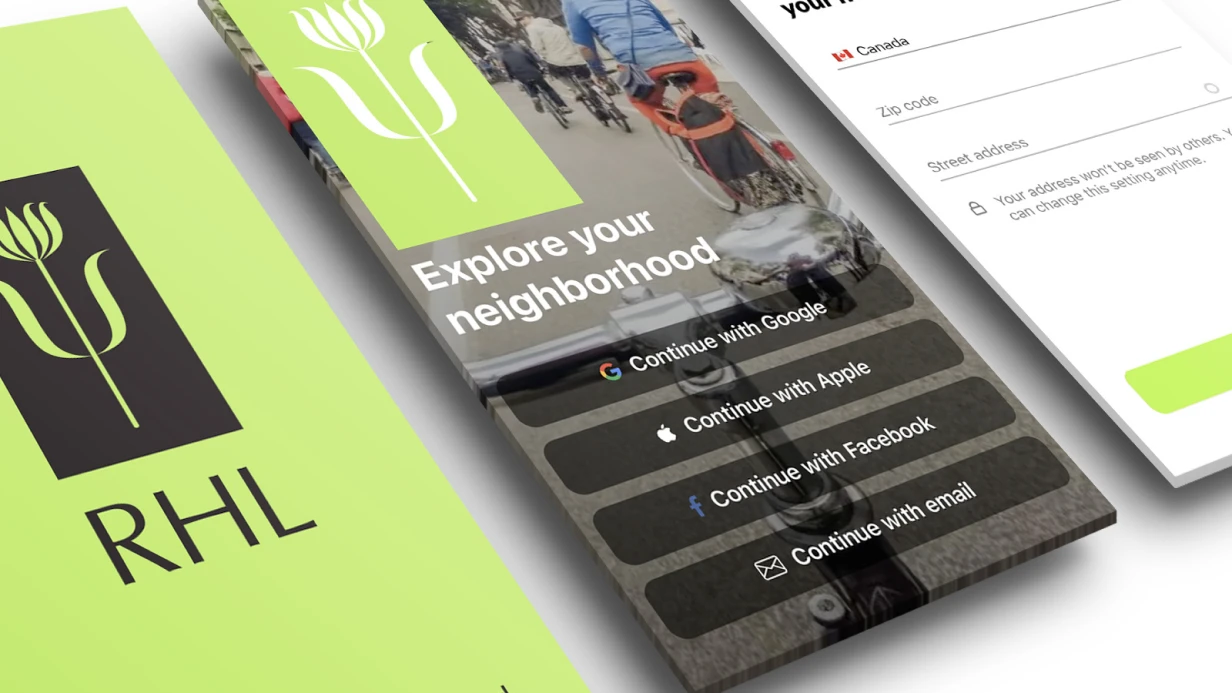
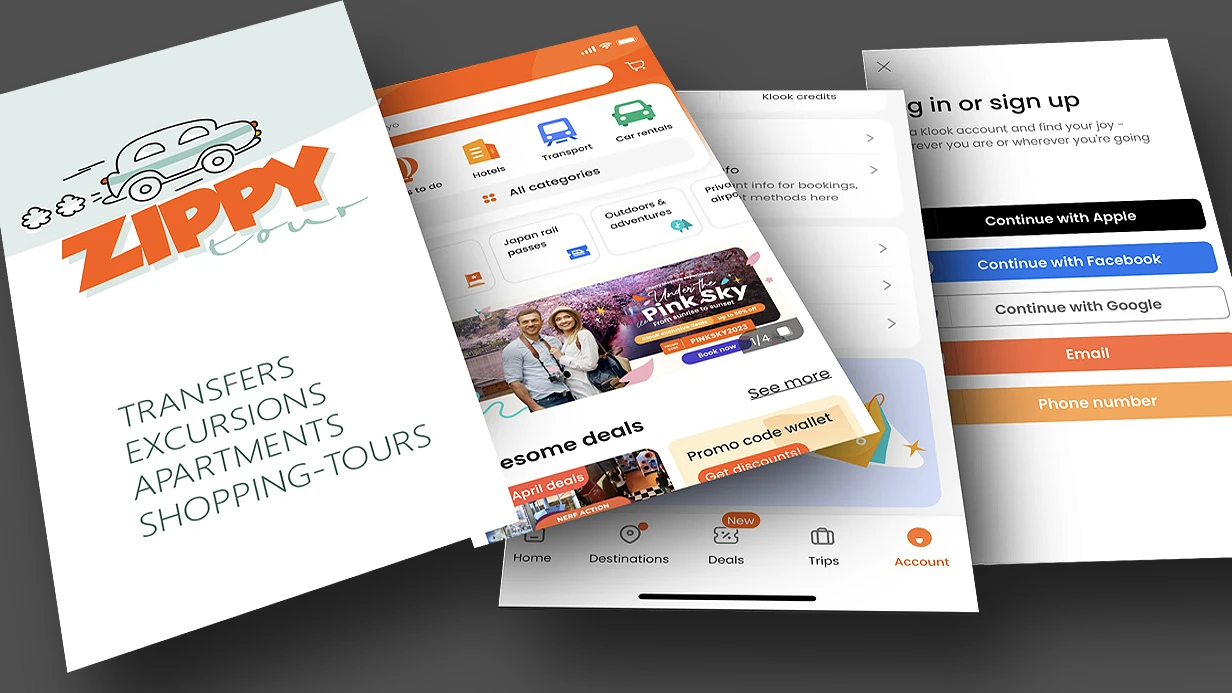
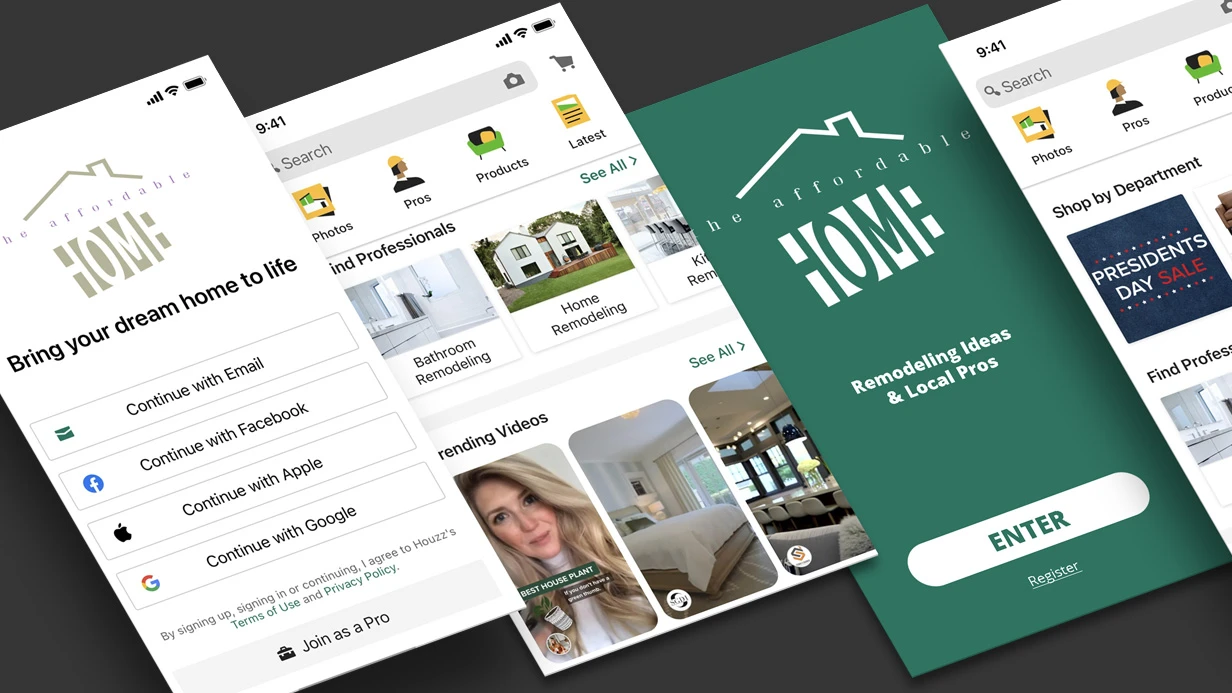
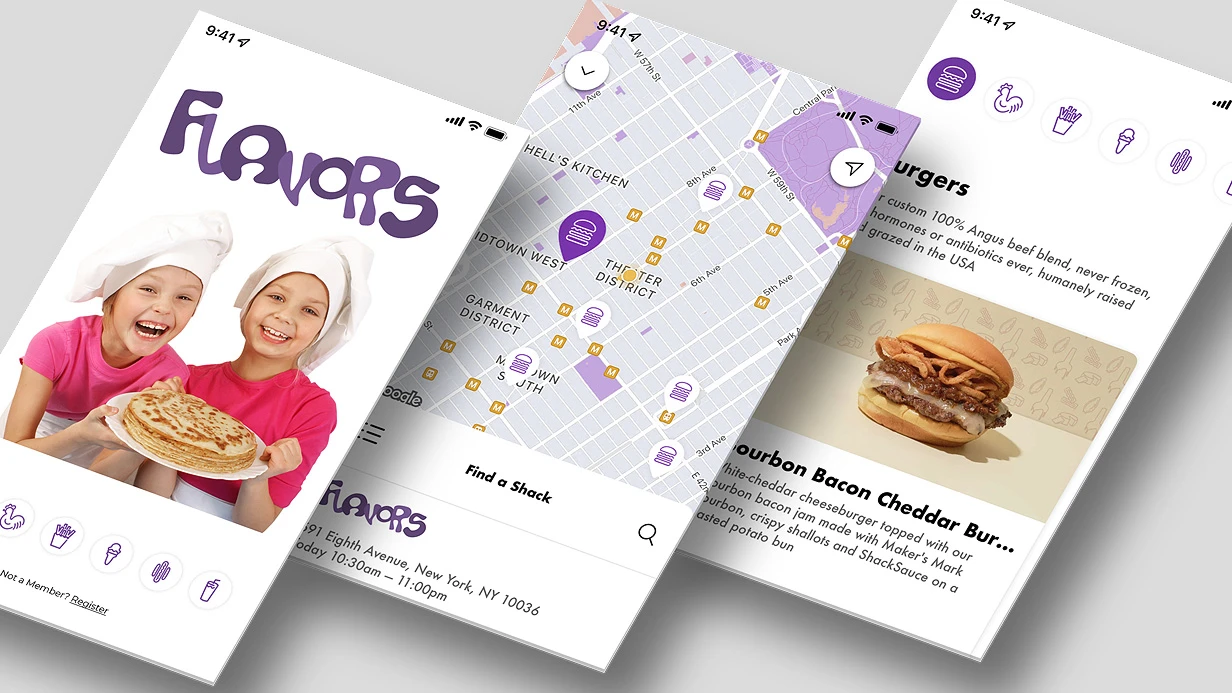
עיצוב מסכי Onboarding לאפליקציה ניידת להפחתת נטישה
תארו לעצמכם: משתמש מוריד אפליקציה, פותח אותה, רואה שלושה מסכים גנריים — 'מהיר', 'נוח', 'אמין' — וסוגר אותה תוך 15 שניות. הם לא הבינו לשם מה האפליקציה. לפי Localytics, 25% מהמשתמשים מוחקים אפליקציה לאחר ההפעלה הראשונה בגלל חוסר ערך נתפס. זה קורה כאשר ה-Onboarding לא מתמקד בערך הראשון. אנחנו מעצבים אחרת: אנחנו מתחילים מהפעולה הספציפית שהמשתמש רוצה לבצע ומנחים אותו אליה בזמן מינימלי. כל Onboarding בנוי סביב פעולת היעד, תוך מזעור עומס קוגניטיבי. הגישה שלנו משתמשת בחשיפה הדרגתית ובסצנריות מותאמות אישית, שנבדקו על 50+ פרויקטים ל-iOS ול-Android. עלייה ממוצעת בשימור ביום 7 היא 20-30%, מה שמביא להכנסות נוספות — כל נקודת אחוז של משתמשים שנשמרים חוסכת עשרות כ-$9–13 בחיסכון חודשי ברכישת משתמשים בשיווק.
איך להפחית נטישת משתמשים עם Onboarding?
ה-Onboarding הקלאסי עם שלושת המסכים ואיורים של 'מהיר', 'נוח', 'אמין' לא עובד. המשתמש יגלול אותם בעיוורון ויקיש על 'התחל'. Onboarding כזה לא נותן הבנה של המוצר ולא פעולה ראשונה בעלת ערך.
דפוסי עבודה:
- חשיפה הדרגתית — הצגת תכונות כשהמשתמש מגיע אליהן. מסך ראשון: פעולה מרכזית; השאר בהמשך.
- ממוקד תועלת — 'עקוב אחר הוצאות ב-10 שניות' במקום הבטחות מופשטות.
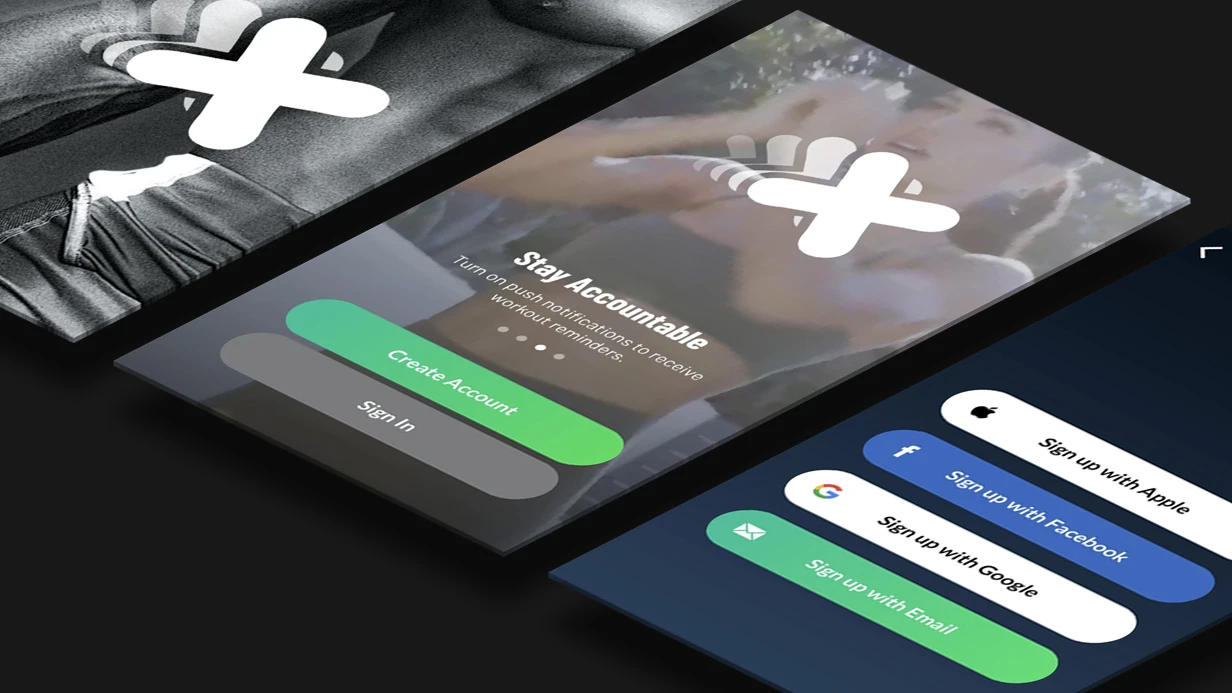
- Onboarding מינימלי לערך ראשון — אם המשתמש יכול לנסות את האפליקציה ללא הרשמה, אל תכריחו הרשמה במסך הראשון.
- בקשות הרשאות בהקשר — בקשו גישה למיקום רק כשהתכונה נדרשת, כך שהמשתמש יבין למה.
טעויות עיצוב Onboarding נפוצות
- עומס טקסט: משתמשים לא קוראים, הם סורקים. - בקשת הרשאות בהתחלה ללא הקשר: מפחיתה המרה. - Onboarding ארוך מדי: יותר מ-5 מסכים מוריד את שיעור ההשלמה. - אין אפשרות דילוג: מרגיז משתמשים מנוסים.איך אנחנו מעצבים Onboarding
אנחנו מתחילים בניתוח פעולת היעד (הערך הראשון). עבור כל פרויקט, אנחנו קובעים: מה המשתמש צריך לעשות ב-30 השניות הראשונות כדי לרצות להישאר? לאחר מכן אנחנו מעצבים את הזרימה מהפתיחה ועד לפעולה זו, תוך התחשבות במאפיינים הספציפיים של הפלטפורמות iOS ו-Android.
היבטים טכניים: iOS לעומת Android
עבור iOS אנחנו משתמשים ב-UIPageViewController עם אנימציות מעבר, ומשלבים SKStoreReviewController לבקשת ביקורת לאחר ה-Onboarding. ב-Android — ViewPager2 עם TabLayout, פריסות אדפטיביות ב-Jetpack Compose. קישורים עמוקים (Universal Links / App Links) מאפשרים פתיחת המסך הנכון לאחר ההתקנה. הרשאות (הודעות Push, מיקום גיאוגרפי) מתבקשות דרך UNUserNotificationCenter ו-ActivityResultContracts בהתאמה — אך ורק בהקשר.
כלים וטכנולוגיות
- אבות טיפוס: Figma עם תוכן אמיתי (לא lorem ipsum) ומעברים אינטראקטיביים.
- אנימציות: Principle או After Effects למיקרו-אינטראקציות, מיוצאות ל-Lottie למפתחים.
- ניהול גרסאות: Git LFS לקבצי עיצוב, Abstract לשיתוף פעולה.
השוואת סוגי Onboarding
| סוג | דוגמה | מתי להשתמש | מורכבות יישום |
|---|---|---|---|
| מסכי Welcome | שלושה מסכים עם תכונות | לאפליקציות פשוטות | נמוכה |
| אשף הגדרה | בחירת מטרה, רמת פעילות | אפליקציות עם הגדרות | בינונית |
| מצב ריק | 'הוסף את הפרויקט הראשון שלך' | אפליקציות UGC | נמוכה |
| מדריך אינטראקטיבי | הדגשת רכיבי ממשק | ממשקים מורכבים | גבוהה |
למה הגישה שלנו יעילה יותר?
אנחנו מסתמכים על נתונים: בדיקות A/B על משתמשים אמיתיים מראות עלייה בשימור ביום 7 ב-15–30%. אנחנו מבטיחים שה-Onboarding שלכם ייבדק על קהל היעד שלכם באמצעות כלים כמו Firebase A/B Testing. אנחנו לא משתמשים בפתרונות תבניתיים — כל זרימה היא ייחודית. Onboarding איכותי משתלם על ידי הפחתת נטישה: כל נקודת אחוז של משתמשים שנשמרים מביאה להכנסות נוספות. קבלו ייעוץ כדי לדון בפרויקט שלכם ולקבל הערכה ראשונית.
מה כלול בפיתוח Onboarding?
- ניתוח פעולת היעד והנתיב לערך הראשון.
- עיצוב זרימה (3–5 מסכים) תוך התחשבות בהרשאות וקישורים עמוקים.
- עיצוב ב-Figma עם תוכן אמיתי והערות אנימציה.
- תוצרים: קבצי מקור של Figma, מפרט מעברים, ייצוא PNG/PDF.
מדדי KPI ליעילות
| מדד | קו בסיס | שיפור מטרה |
|---|---|---|
| שימור יום 1 | 30-40% | +15-20% |
| שימור יום 7 | 15-20% | +20-30% |
| זמן לפעולה ראשונה | 60-90 שניות | <30 שניות |
| שיעור השלמת Onboarding | 70% | >90% |
תהליך העבודה
- אנליטיקה — ביקורת על ה-Onboarding הקיים (אם יש), בדיקות שמישות עם 5 משתמשים.
- עיצוב — Wireframes, מפת מסע לקוח, סצנריות שגיאה.
- עיצוב ויזואלי — מסכים, אנימציית אב טיפוס ב-Figma.
- בדיקות — בדיקת A/B על 50+ משתמשים אמיתיים (Firebase A/B Testing).
- מסירה למפתחים — פריסת Figma עם הערות, מפרט אנימציה.
לוח זמנים משוער
מ-1 עד 3 ימי עסקים לעיצוב Onboarding (3–5 מסכים). העלות מחושבת באופן אישי — צרו קשר כדי לדון בפרויקט שלכם. ההשקעה ב-Onboarding מחזירה את עצמה תוך 2-3 חודשים דרך צמיחה בשימור. הזמינו עיצוב Onboarding — התחילו לשפר את השימור היום.